Invite your friends
Send them your referral link or show them your QR code in the Antarctic Wallet app
Invite friends to the wallet and earn up to 30% of the service fee

Receive cryptocurrency from your friends' payments in just a few steps.
Send them your referral link or show them your QR code in the Antarctic Wallet app
They use Antarctic Wallet for payments and transfers starting from 5 USDT
You receive a reward in USDT from every payment your friends make
INCOME CALCULATOR
Enter how many active friends you may have and how often they make purchases with Antarctic Wallet
Your rank shows how many active friends you've already brought in. The higher your rank, the larger percentage of our fee you receive from their payments.
0‑1 referrals
2‑25 referrals
26–100 referrals
101+ referrals
How our three‑tier referral system works
A referral must make payments totaling at least 5 USDT within the last 90 days
To earn commissions from all levels, the referrals must be invited by you.
You receive a share of the service commission, not money from new participants
Rewards are credited directly to your Antarctic Wallet balance and can be withdrawn using standard methods.
Payouts come only from real payments made by referrals
Rewards in USDT, with no internal tokens or frozen funds
We comply with jurisdictional requirements and operate transparently from a compliance standpoint
There's no limit on the number of friends you can invite — it can be 5, 1,005, or even more.
«Home» → «Profile» → «Referral program»
Send the link or QR code to a friend in any convenient way
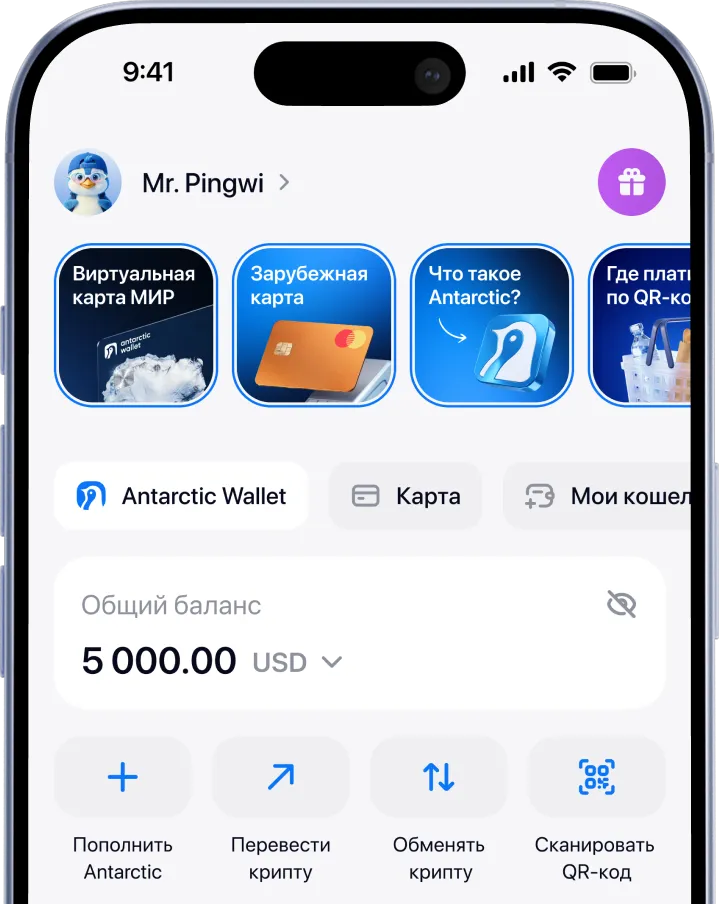
For the mobile version of the wallet:
1. Go to the App Store or Google Play
2. Install the app
3. Sign up using Telegram or email
4. Top up your wallet using one of the available methods
5. Choose the service you need in the «Services» section
For the Telegram version of the wallet:
1. Open Telegram
2. Find the official bot by username: @antarctic_wallet_bot
3. Tap «Start» → «Open Wallet».
4. Top up your wallet using one of the available methods
5. Choose the service you need in the “Services” section