


Vietnam


Thailand


12+ countries
People trust us
- 5 seconds
Average QR payment time
- 460,000+
Customers trusted us over the past year
- 10,000,000+
Payments successfully completed
How Antarctic Wallet works
Convenient management of funds and digital assets in a single app
STEP 1
Install the app
Download Antarctic Wallet from the
App Store Google play

STEP 2
Top up your balance
Add funds in a convenient way — with cryptocurrency or fiat.
- With cryptocurrencyUSDT / TON / BEP20
- With fiatExchange fiat for crypto
- My walletsActive with WalletConnect


STEP 3
Use the services
Pay, transfer, and withdraw funds directly in the app across 12+ countries
- Withdraw fiat via phone
- Withdraw fiat to card
- Scan QR code
- Steam top‑up
- Mobile top‑up
- Mass transfers


What else is available in Antarctic Wallet
Card Top‑up
Transfer funds from your bank card and receive USDT to your account
Withdraw Crypto to Card
Exchange crypto for traditional money with no intermediaries or risks
Mass Transfers
Send USDT to up to 100 wallet addresses in one click
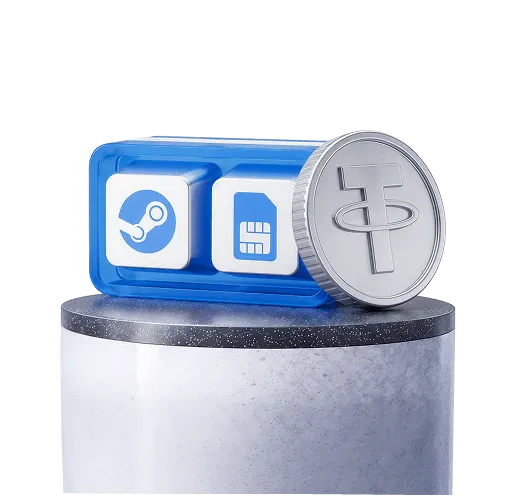
Steam & Mobile Top‑up
Top up your Steam and mobile balance using USDT
AML check
Verify crypto before receiving or sending it
One referral program.
Three reward levels.
Earn up to 30% of fees, even from your referrals’ friends.

With Antarctic Wallet it's not only convenient, but also secure
AML check on deposits and withdrawals
KYC verification from a trusted provider
2FA and a passcode for maximum protection of your wallet
Why people choose Antarctic Wallet
Get the full picture before you pay by comparing rates, fees, and total cost
Валюта оплаты
Валюта QR
Antarctic WalletWiseRevolutMoreta

Поддержка QR
Поддержка QRПоддержка QRПоддержка QRПоддержка QR Вы заплатите
Вы заплатите1 100 USDT Самый выгодный Вы заплатите1 400 USDT На 300 USDT больше Вы заплатите1 350 USDT На 250 USDT больше Вы заплатите1 350 USDT На 250 USDT больше Курс
(USDT/USD → VND)
Курс25 922.00 -4%С промокодом Курс25 922.00 Курс25 922.00 Курс25 922.00 (USDT/USD → VND)
Комиссия
Комиссия0.00 USDT Комиссия30.00 USDT Комиссия40.00 USDT Комиссия50.00 USDT 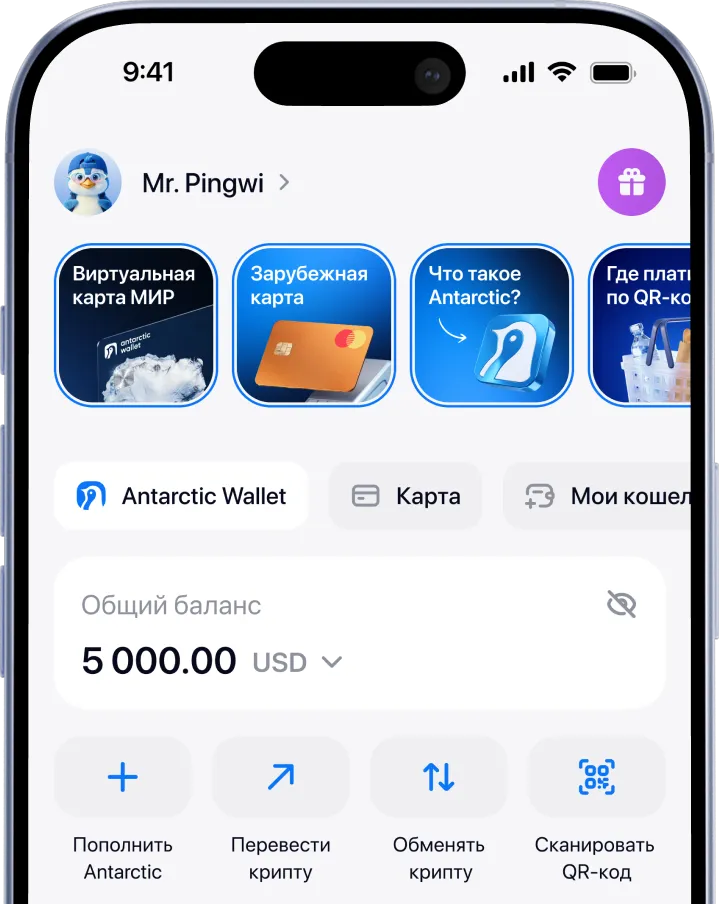
Big community
Learn from bloggers and other users about their favorite Antarctic Wallet features


Pyotr Kurtyaevo
Pyotr Kurtyaevo · @msbeast · 100k followers


Pyotr Arkhangelsk · @msbeast · 100k followers


Pyotr London · @msbeast · 100k followers


Pyotr London · @msbeast · 100k followers
More Features

Support available 24/7
Our users’ questions are our priority. We respond around the clock, without days off.
Contact support
Got questions? Find the answers here
For the mobile version of the wallet:
1. Go to the App Store or Google Play
2. Install the app
3. Sign up using Telegram or email
4. Top up your wallet using one of the available methods
5. Choose the service you need in the «Services» section
For the Telegram version of the wallet:
1. Open Telegram
2. Find the official bot by username: @antarctic_wallet_bot
3. Tap «Start» → «Open Wallet».
4. Top up your wallet using one of the available methods
5. Choose the service you need in the “Services” section