

Enter the amount, choose bank card as the withdrawal method, enter the card details and confirm the transaction in Antarctic Wallet.
4 simple steps to withdraw funds
Enter the amount
Enter the transaction amount in the Antarctic Wallet app.


See how to save your details after a successful transaction.
Save your details for future transactions
- No need to enter your details againAfter a successful transfer, you can save the card number or phone number. Next time, simply select the saved details.
- Save in one clickThe “Save details” button appears on the transaction screen after a successful transfer, next to the card number or phone number.
Transparent terms
- Fee
- 0,5 USDT
- Single transaction limit
- 15 — 1,000 USDT
- Average time
- 1 — 2 minutes
- Withdrawal methods
- By card or by phone number
- Requirement
- Level 2 verification
Got questions? Find the answers here
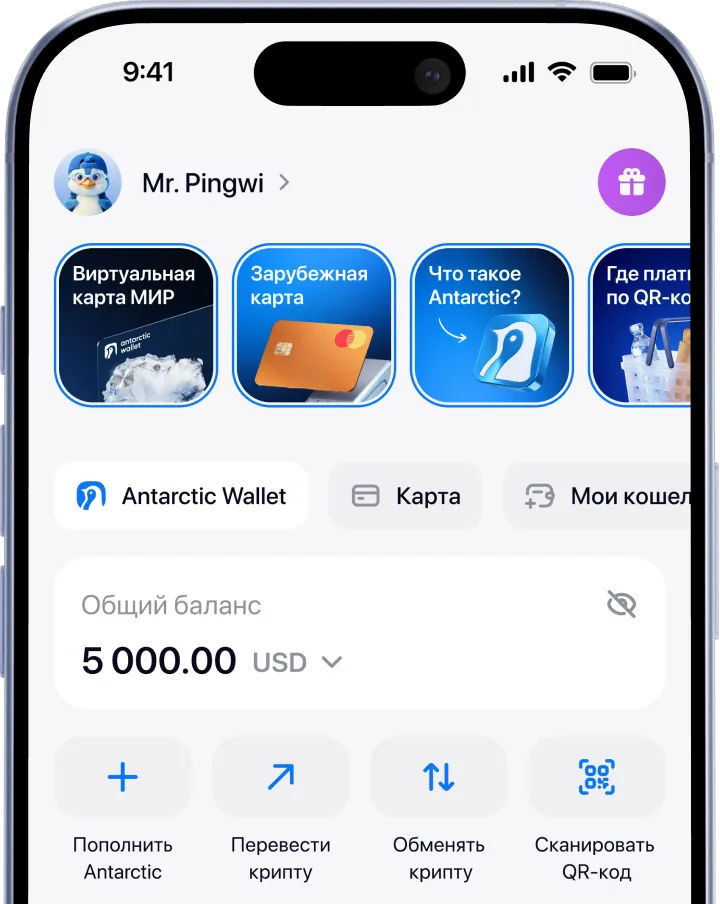
More Features

24/7 support
Your questions come first. Our support team is available around the clock, every day.
Contact support
User reviews
We build Antarctic Wallet around our community and listen closely to what our users say.
View reviews