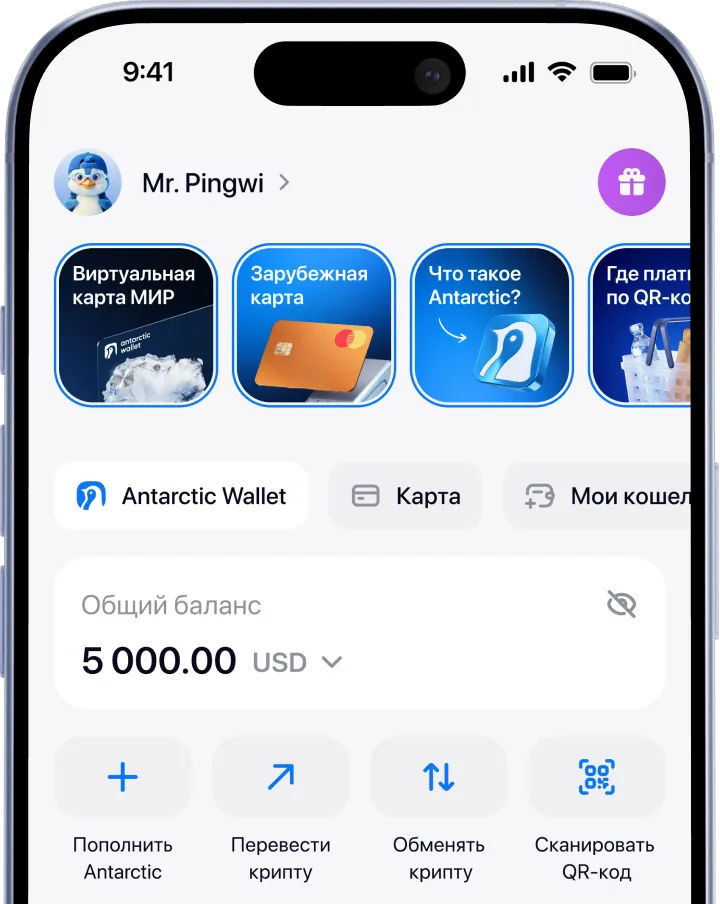
A QR code payment takes about 8 seconds. Virtual card payments are instant. Exchanging USDT to a card takes up to 2–3 minutes.

Assistance in resolving issues
Knowledge base for Antarctic Wallet clients. Everything you need to know about our service.
General questions
How to get started
To use the wallet, download our mobile app:
Go to the App Store or Google Play, depending on your device
Install and launch the app
Sign in or sign up via Telegram, email or Apple ID
Done! You can use the wallet and pay for purchases via QR code
You can also launch Antarctic Wallet inside Telegram:
Open Telegram (if you don’t have an account, sign up)
Find the official bot by its username: @antarctic_wallet_bot
Tap “Start” → “Open Wallet”.
Done! You can use the wallet and pay for purchases via QR code
Payments
Payments in Antarctic Wallet work on the REX (responsible exchange) system, which gives users access to the liquidity of their country’s currency through infrastructure located outside it:
The user scans the QR code to pay
The payment request is sent to the system
The system automatically converts USDT into the currency of the country where the payment is made
The checkout receives payment confirmation from the Antarctic Wallet system
Antarctic Wallet deducts the cryptocurrency from your balance as the result of the exchange
Security
The service is completely safe for storing and transferring funds, as the system is protected and encrypted against third‑party interference and undergoes regular audits for vulnerabilities. In 1.5 years of operation, no data breaches have been detected.
Promotions and promo codes
Promo codes in Antarctic Wallet allow you to top up your wallet balance for the amount specified in the code.
You can get them in several ways:
Follow us on Instagram and Telegram. Sometimes we share promo codes at the end of posts.
Keep an eye on our ambassadors. They are happy to share promo codes with their followers.
Participate in our contests and giveaways to win valuable prizes and promo codes.
Support service
To contact Antarctic Wallet Technical Support, please send a direct message to our official bot: @Antarcticwalletsupport_bot.